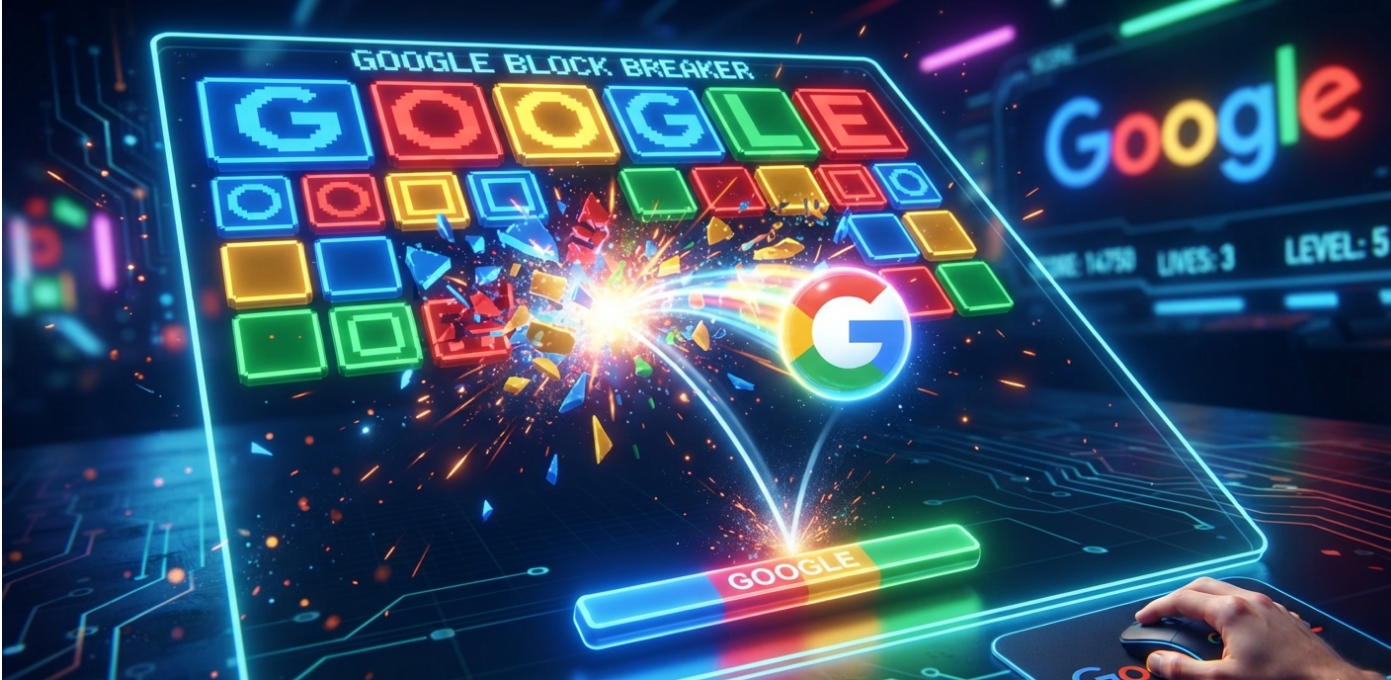
Google Block Breaker is a fast-paced browser game that brings the classic brick-breaking arcade experience to modern devices. Inspired by timeless games like Breakout and Arkanoid, it challenges players to destroy colorful blocks using a bouncing ball while controlling a paddle at the bottom of the screen.
Whether you’re looking for a quick gaming break during the day or trying to beat your personal high score, Google Block Breaker offers simple controls, smooth gameplay, and surprisingly addictive action. Since it’s accessible directly through Google Search on supported devices and regions, it’s easy to jump into a game without downloading or installing anything.
This guide explains everything you need to know about Google Block Breaker, including how to play, game mechanics, scoring, strategies, and frequently asked questions.
What Is Google Block Breaker?
Google Block Breaker is a browser-based arcade game created by Google as part of its collection of interactive games and Easter eggs.
The objective is straightforward:
- Control a paddle.
- Bounce the ball upward.
- Break every block on the screen.
- Prevent the ball from falling below the paddle.
- Earn the highest score possible.
As levels progress, gameplay becomes faster and more challenging, requiring better timing and precision.
How to Access Google Block Breaker
Playing the game is simple.
In many supported regions:
- Open Google Search.
- Search for Google Block Breaker.
- Tap or click the game if it appears.
- Select Play.
- Start breaking blocks.
Availability may vary by country, device, and Google’s current Search features.
How the Game Works
The gameplay follows the classic brick-breaker formula.
Launch the Ball
The game begins with a ball resting on the paddle.
Once launched, it bounces around the screen.
Break Blocks
Each successful hit removes one or more blocks.
Some blocks disappear immediately, while others may require multiple hits.
Keep the Ball in Play
Missing the ball causes you to lose a life.
The goal is to keep the ball bouncing as long as possible.
Clear Every Level
Destroy all remaining blocks to move to the next stage.
Each new level introduces different layouts and increased difficulty.
Controls
Google Block Breaker uses intuitive controls.
Desktop
- Move the mouse left or right.
- Some versions also support keyboard controls.
Mobile
- Drag your finger across the screen.
- Move the paddle beneath the ball.
- Keep the ball from falling.
The controls are responsive and easy to learn, making the game suitable for players of all ages.
Power-Ups You May Encounter
Depending on the version, players may receive special power-ups after breaking certain blocks.
Common examples include:
Multi Ball
Several balls appear simultaneously, allowing faster block clearing.
Paddle Expansion
The paddle becomes wider, making catches easier.
Extra Life
Receive an additional chance after losing a ball.
Strong Ball
The ball may pass through multiple blocks without bouncing away.
Speed Changes
Some bonuses increase or decrease ball speed.
Using these power-ups effectively can dramatically improve your score.
Game Features
Google Block Breaker stands out because of its simplicity.
Key features include:
- Instant browser play
- No download required
- Simple controls
- Colorful graphics
- Progressive difficulty
- Quick game sessions
- Family-friendly gameplay
- Smooth animations
Its accessibility makes it ideal for casual gaming.
Tips to Score Higher
Improving your performance requires more than quick reflexes.
Control the Ball’s Direction
The angle at which the ball strikes the paddle affects where it travels.
Practice directing shots toward hard-to-reach blocks.
Clear Difficult Sections First
Target isolated blocks before they become difficult to reach.
Avoid Panic Movements
Stay calm when the ball speeds up.
Small paddle movements are usually more effective than sudden swings.
Collect Helpful Power-Ups
Whenever possible, grab beneficial upgrades that improve your chances of survival.
Watch Ball Speed
As levels advance, reaction time becomes increasingly important.
Focus on tracking the ball rather than watching disappearing blocks.
Beginner Strategies
New players can improve quickly by following a few basic habits.
- Stay centered whenever possible.
- Watch the ball instead of the paddle.
- Practice controlled paddle movements.
- Don’t rush difficult shots.
- Learn how different bounce angles work.
Even short practice sessions noticeably improve consistency.
Advanced Techniques
Experienced players often use additional strategies.
Create Sharp Angles
Steep bounce angles help reach corner blocks faster.
Chain Power-Ups
Combining multiple bonuses creates faster clearing opportunities.
Keep the Ball High
The less time the ball spends near the paddle, the more blocks it can destroy.
Plan Ahead
Watch where the ball is heading instead of reacting at the last second.
Anticipation is often more valuable than speed.
Why Google Block Breaker Is So Popular
Several factors contribute to its popularity.
Easy to Learn
Players understand the objective within seconds.
Short Sessions
Most games last only a few minutes, making it perfect for quick breaks.
No Installation
Since it runs directly in the browser, there is no need to install software.
Nostalgic Gameplay
Many adults remember playing classic brick-breaking games on arcade machines, computers, and early gaming consoles.
Google Block Breaker modernizes that familiar experience.
How It Compares to Classic Brick Breaker Games
| Feature | Google Block Breaker | Classic Arcade Games |
|---|---|---|
| Browser-Based | Yes | No |
| Installation Required | No | Usually Yes |
| Mobile Friendly | Yes | Varies |
| Simple Controls | Yes | Yes |
| Quick Access | Excellent | Limited |
| Modern Graphics | Yes | No |
While inspired by older games, Google’s version is designed for today’s web users.
Common Challenges
Players often struggle with:
- Fast-moving balls
- Narrow paddle timing
- Corner blocks
- Unexpected bounce angles
- High-speed later levels
Practice gradually improves reaction speed and accuracy.
Is Google Block Breaker Suitable for Kids?
Yes.
The game contains:
- No violence
- No mature themes
- Simple mechanics
- Bright visuals
- Easy controls
It is appropriate for children, teenagers, and adults alike.
Can You Play on Mobile?
Yes.
Most supported versions work well on:
- Android phones
- Android tablets
- iPhones
- iPads
Touch controls are designed specifically for mobile gameplay.
Troubleshooting Common Issues
If the game doesn’t appear:
- Refresh the browser.
- Update your browser to the latest version.
- Try another supported browser.
- Clear your browser cache.
- Check whether the game is available in your region.
- Try using a different device.
Availability may change over time depending on Google’s updates.
Frequently Asked Questions
Is Google Block Breaker free?
Yes. The game is free to play through supported Google Search experiences.
Do I need to download anything?
No. It runs directly in your browser when available.
Can I play on my phone?
Yes. The game supports many Android and iOS devices through compatible browsers.
Does Google Block Breaker save progress?
Most browser sessions focus on individual play sessions rather than long-term saved progress.
Is it the same as Breakout?
The gameplay is very similar, but Google Block Breaker is a modern browser-based interpretation with updated visuals and features.
Conclusion
Google Block Breaker delivers the timeless excitement of classic brick-breaking arcade games in a convenient browser-based format. With easy controls, colorful visuals, quick gameplay sessions, and increasing levels of challenge, it’s an excellent choice for casual players and longtime arcade fans alike. Whether you’re chasing a new high score or simply looking for a fun way to spend a few minutes, mastering bounce angles, using power-ups wisely, and staying calm under pressure will help you enjoy the game and improve your performance over time.